1
By Philip Churchill on April 11th, 2011
Configure Time Machine with Windows Home Server 2011
TomOnTech has a great tutorial up on how to configure Time Machine with Windows Home Server 2011.
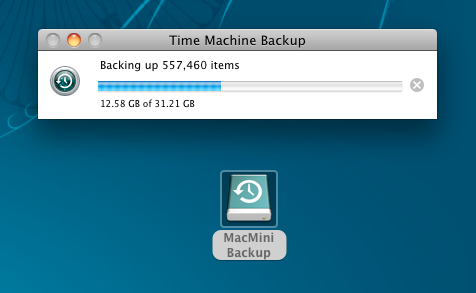
The how-to explains setting up Time Machine for a Mac client with the backups being stored on WHS2011. From setting things up from within the Dashboard to creating the SparseImage file, Tom takes us through the steps necessary to get this setup and running which you can read about here.
Share this WHS Article with Others:



