0
By Philip Churchill on March 08th, 2012
Computer Monitoring Error Workaround if you have a Mac on your Network
A wiki article is up for those of you who are receiving a computer monitoring error in the Dashboard of Windows Home Server 2011 after installing Update Rollup 2.
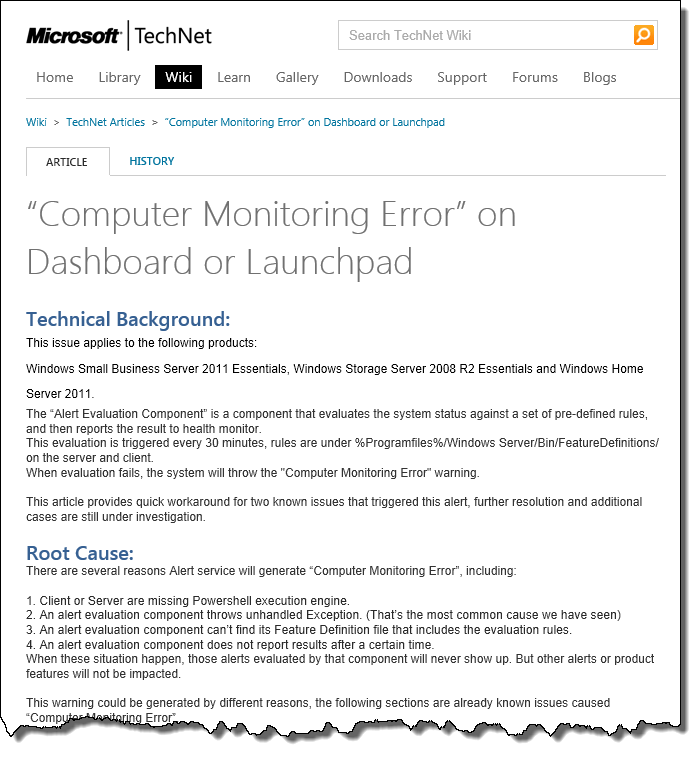
There are several reasons that the Alert service will generate “Computer Monitoring Error”, including:
- Client or Server are missing Powershell execution engine.
- An alert evaluation component throws unhandled Exception. (That’s the most common cause we have seen)
- An alert evaluation component can’t find its Feature Definition file that includes the evaluation rules.
- An alert evaluation component does not report results after a certain time.
When these situation happen, those alerts evaluated by that component will never show up. But other alerts or product features will not be impacted.
More information and a workaround if you also have Mac clients in your network can be found here.
Share this WHS Article with Others:



