0
By Philip Churchill on May 02nd, 2009
Track Visitors to your WHS Web Interface using Google Analytics
The Home Server Show website has a guide on how to track web visitors who visit your Windows Home Server web interface (the page that you use to log into your WHS while you are remote) by using Google Analytics.
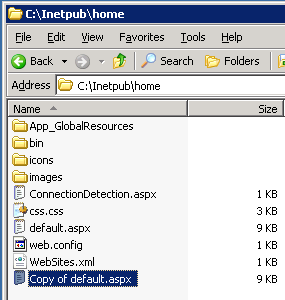
The tutorial explains how to place the Google Analytics code into your WHS website to learn more about where your visitors come from and how they are interacting with your web interface.
You can read it here.
Share this WHS Article with Others:



